-
On-device
A language model on the phone’s chip
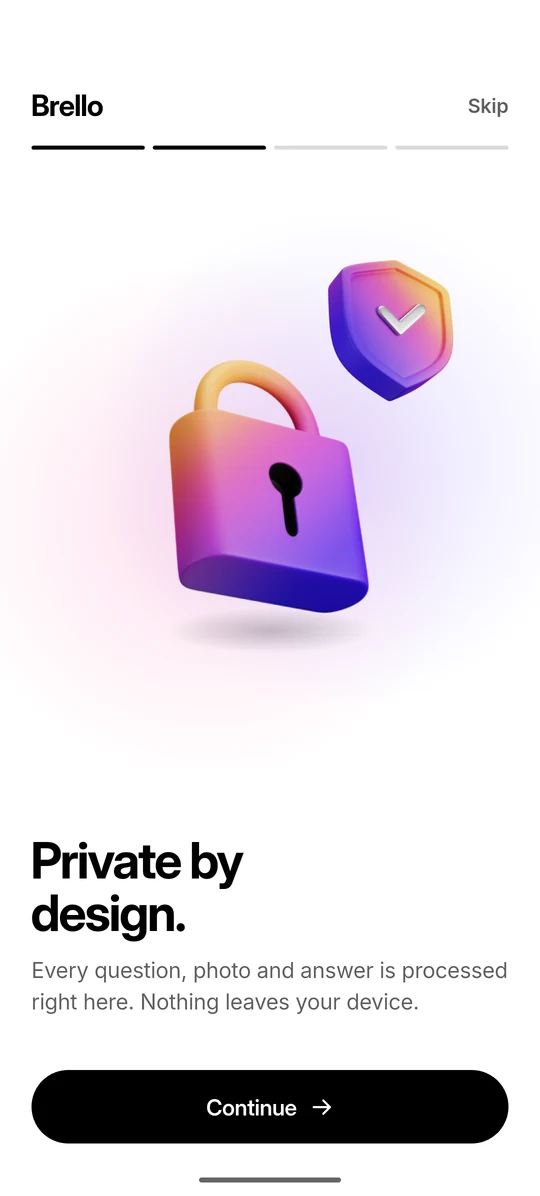
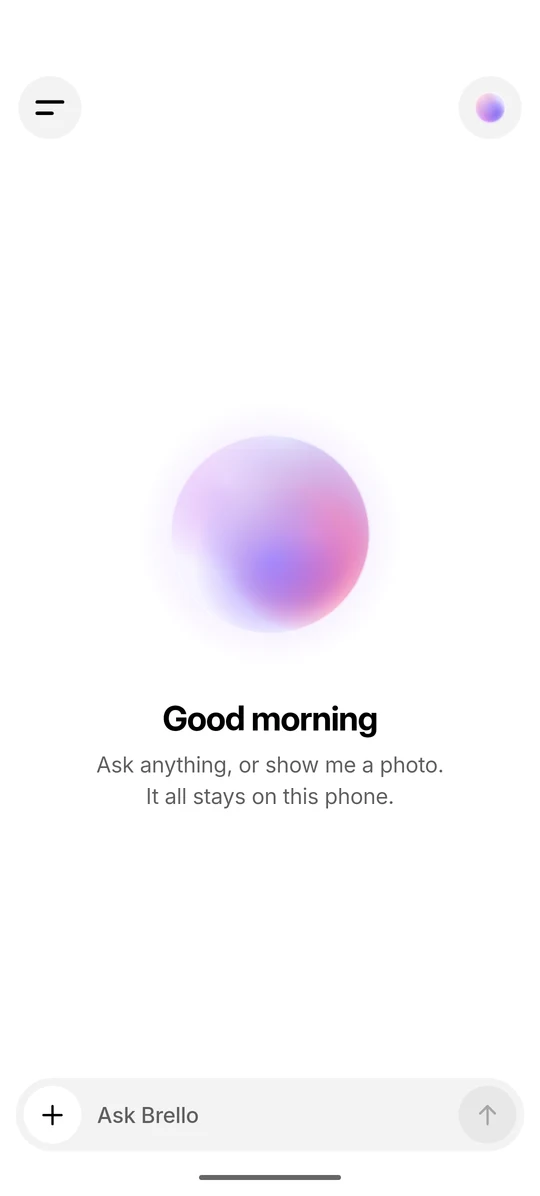
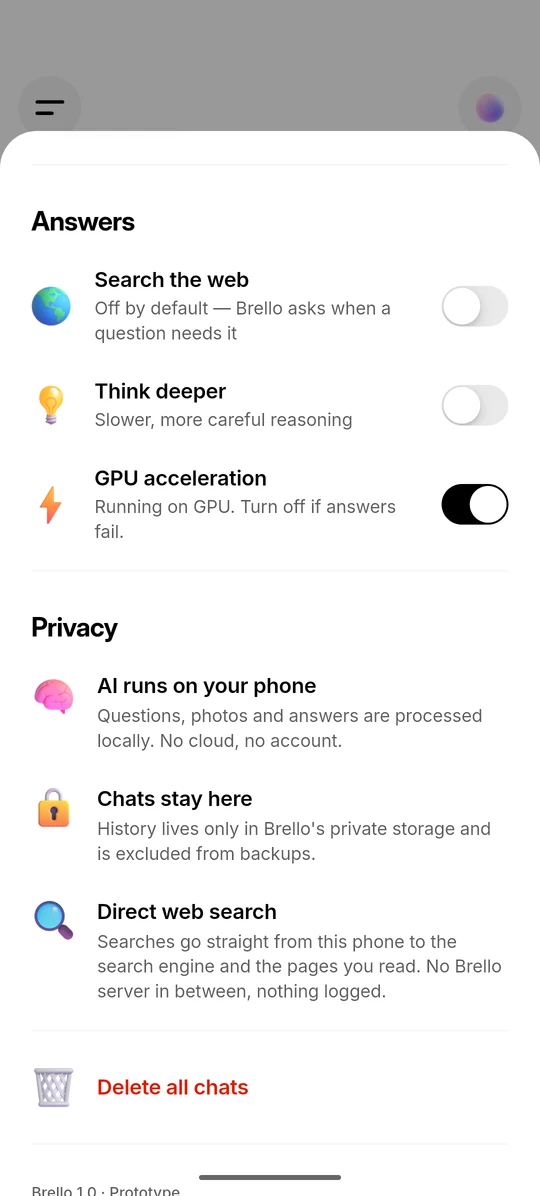
Brello 1.0 runs a complete language model through Google’s LiteRT-LM runtime. Your questions, photos and answers are processed on the phone, with no cloud AI and no account.
-
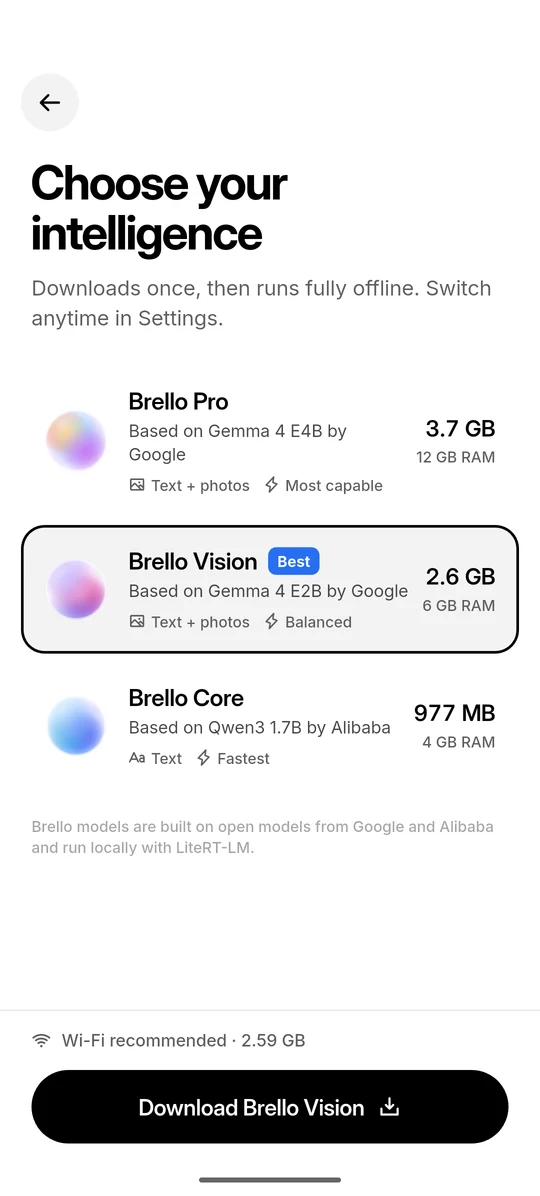
977 MB to 3.66 GB
One download, then offline
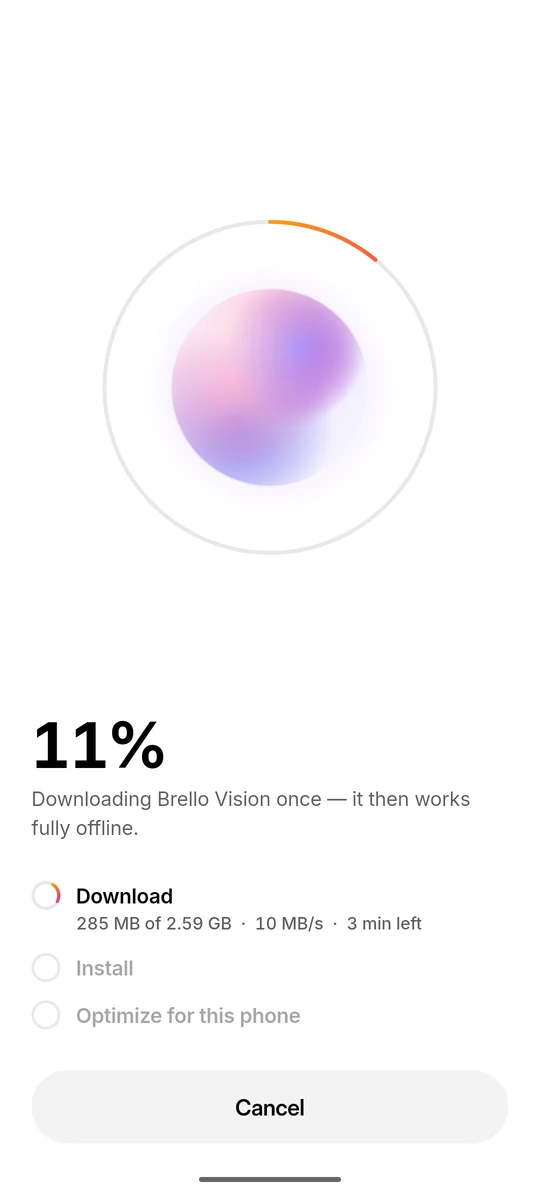
Each model downloads once from Hugging Face, with no account or token. After that, chat and photo understanding work in airplane mode. Wi-Fi is recommended for the download.
-
0.9 × recommended RAM
Recommended by memory
Brello reads the phone’s total memory, allows 10% for what phones report, and recommends the most capable model that fits. It checks free storage before downloading.
-
GPU, CPU fallback
Streaming on the GPU, with CPU fallback
Answers stream as the model writes them, on the phone’s GPU where it can and otherwise on the CPU. A model’s first launch takes up to a minute while it optimises for the chip.
Recreated screen Illustrative question and answer
-
Off by default
Asks before searching
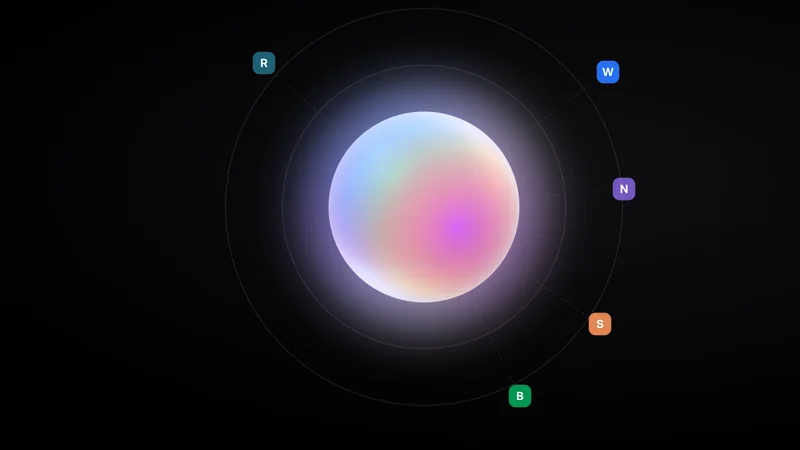
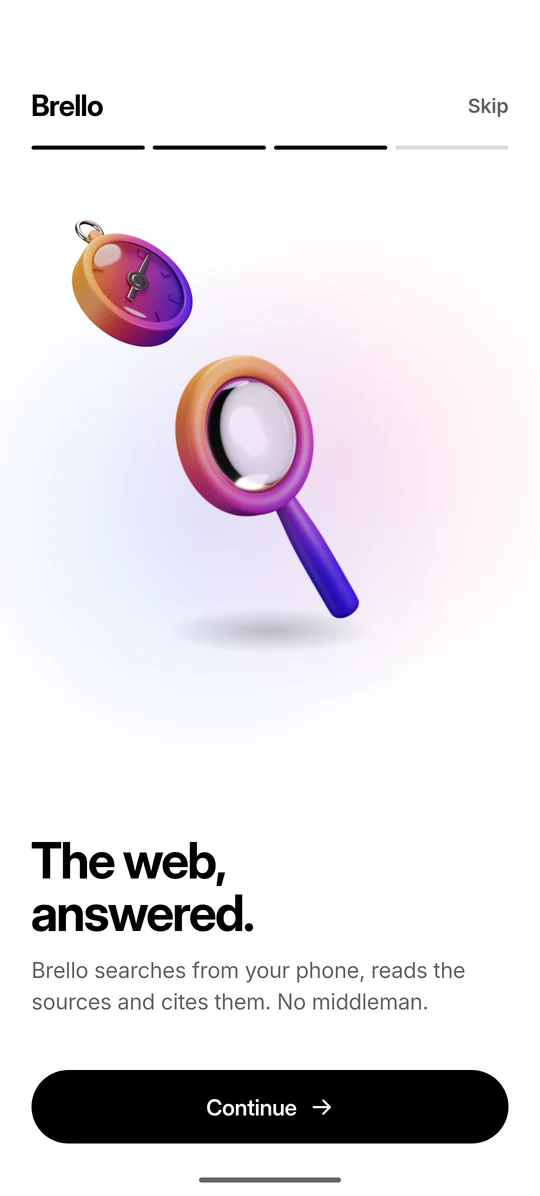
When a question needs fresh facts and web search is off, Brello shows “Search the web for this?” and waits. If you agree, the phone searches directly and cites its sources as [1], [2].
Recreated screen Card text as in the app Illustrative question
-
Brello Pro · Brello Vision
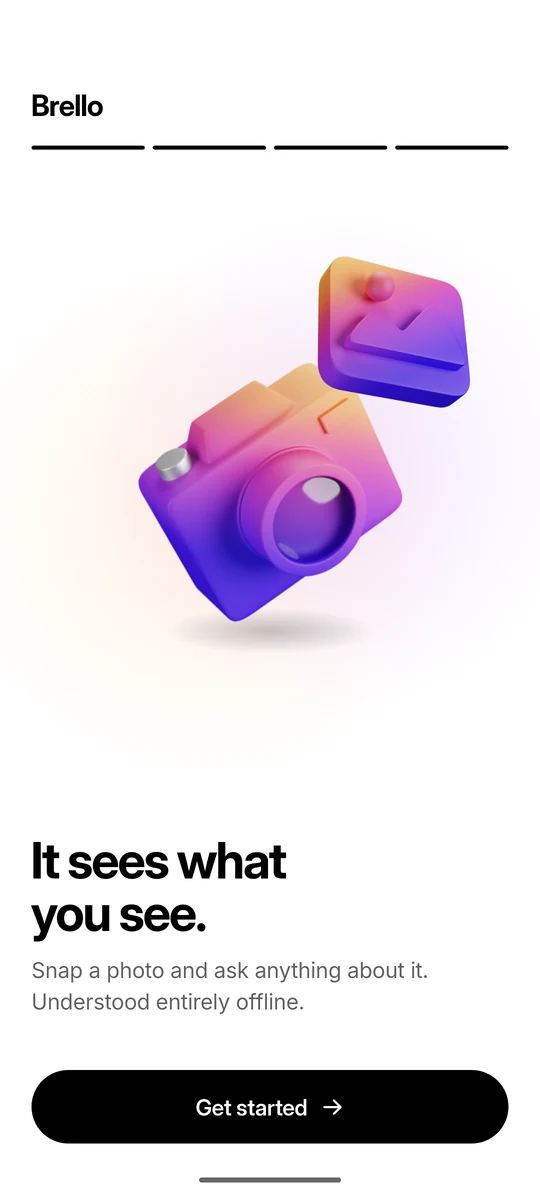
Photos understood offline
Brello Pro and Brello Vision understand photos entirely on the phone, one photo per message. A message with a photo never triggers a web search.
-
Excluded from backups
Chats excluded from backups
Chats live in one file in Brello’s private storage. On Android they are excluded from cloud backups and device transfers. There is no sync or export, so a reset phone loses them.